Lottie export
Kite
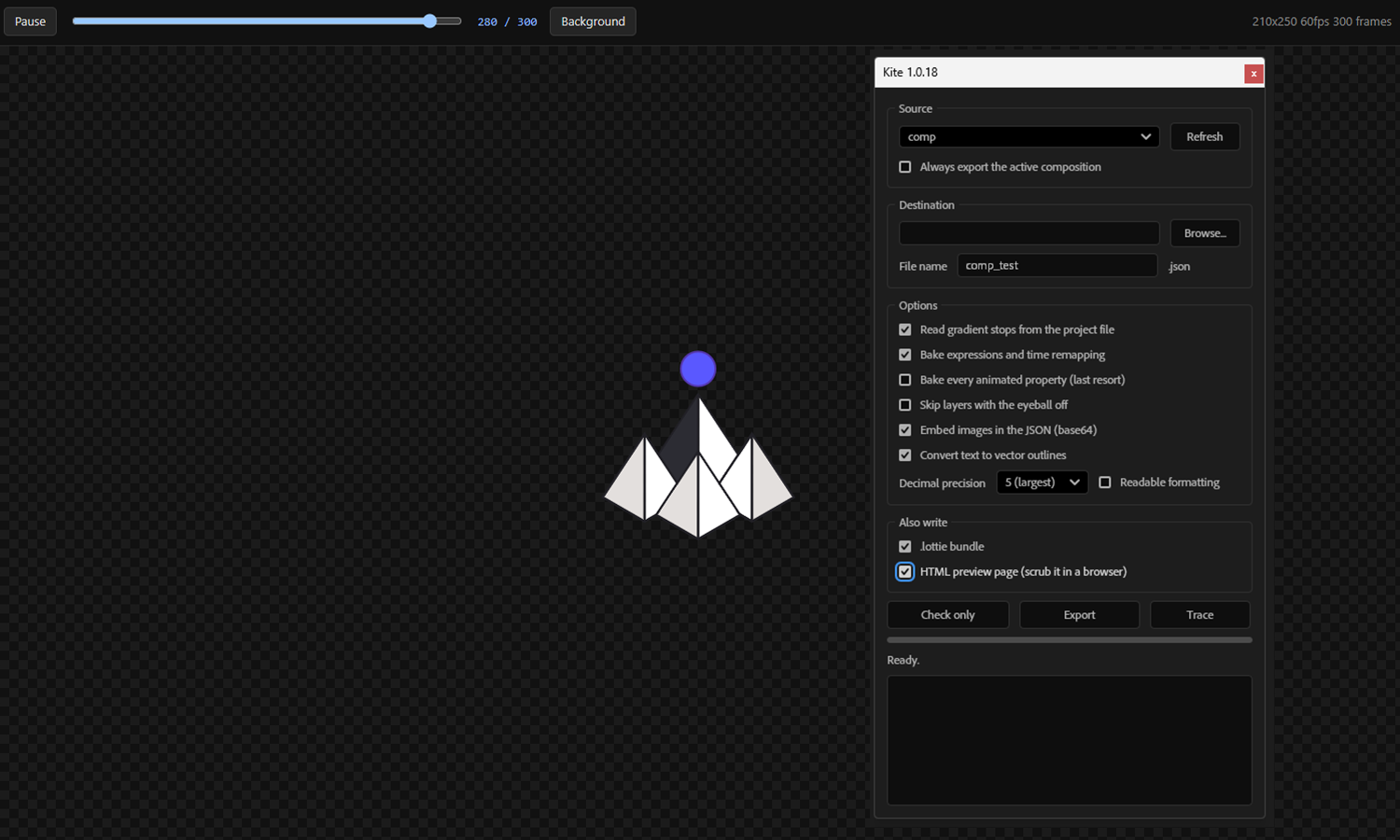
A Bodymovin fork for exporting Lottie without the CEP panel. Export .lottie files and generate an HTML player to preview them in a browser.
Download .jsx197 KB / Source file
Based in Brazil.
Working across screens.
From the workbench / After Effects tools
Small tools for the problems that keep showing up in production. Built around my workflows, with code written using AI. Free to download and adapt.
Lottie export
A Bodymovin fork for exporting Lottie without the CEP panel. Export .lottie files and generate an HTML player to preview them in a browser.
Download .jsx197 KB / Source file
3D inside After Effects
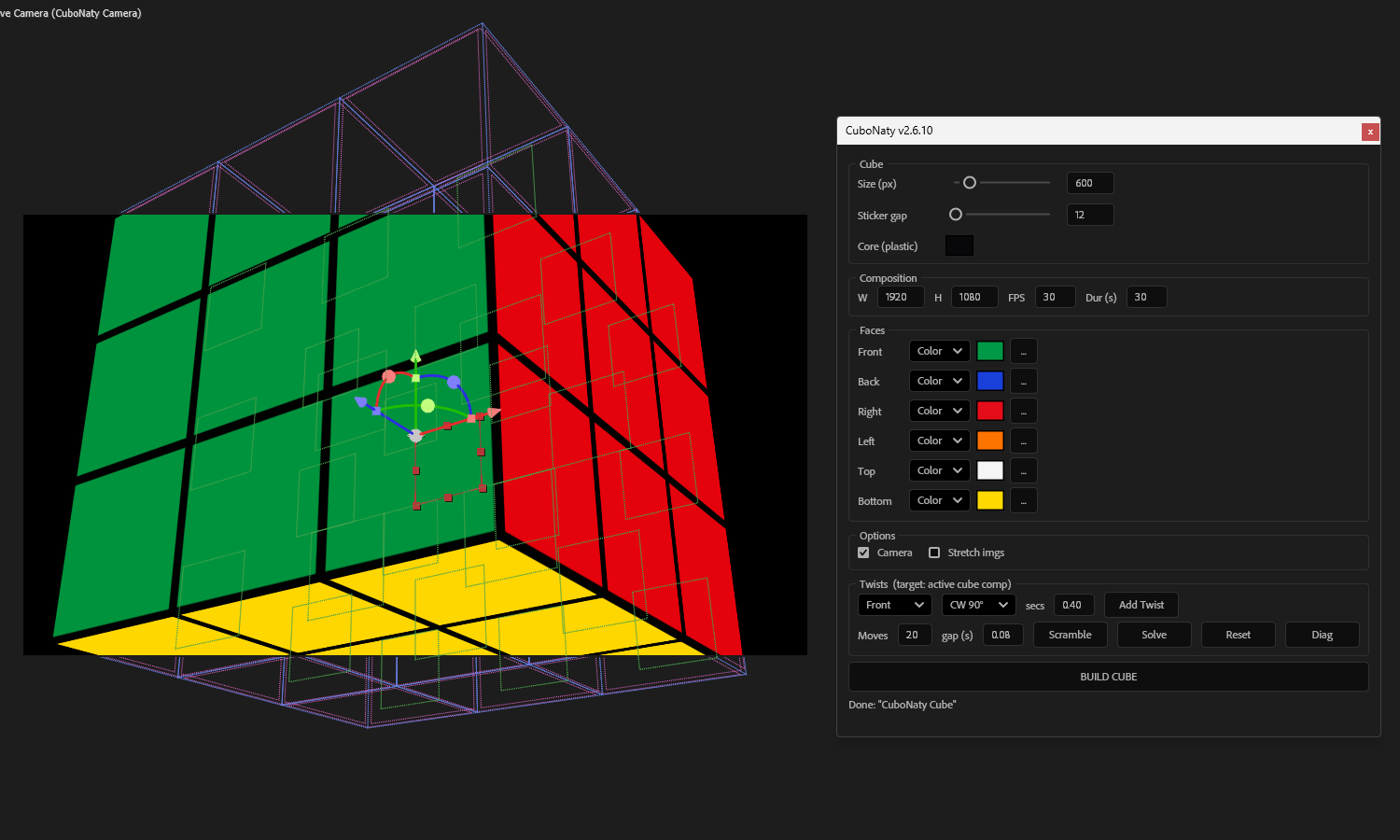
A customisable Rubik’s cube, built inside After Effects. Made for a project where external 3D software was not an option, with controls for the faces and their movement.
Download .jsx48 KB / Source file
Shape interpolation
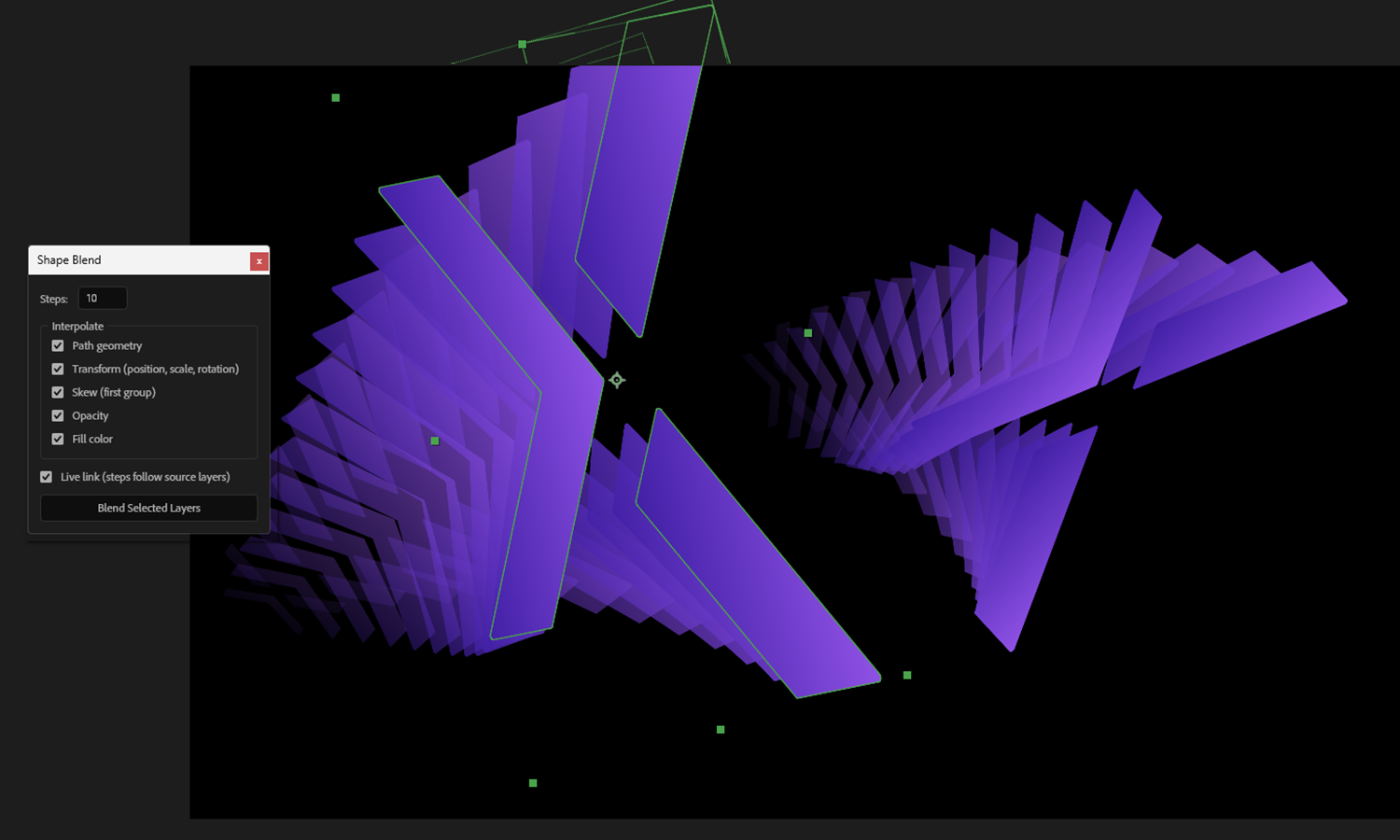
Blend between shape layers inside After Effects. Adjust the source shapes and their parameters to explore intermediate forms, inspired by Illustrator’s Blend tool.
Download .jsx19 KB / Source file
Before you start
Place the .jsx file in After Effects’ Scripts/ScriptUI Panels folder, restart After Effects, then open the panel from the Window menu. Use the folder for your installed version.
WindowsAdobe After Effects / Support Files / Scripts / ScriptUI Panels
macOSAdobe After Effects / Scripts / ScriptUI Panels
Kite and Shape Blend were tested on After Effects 25.6.5 (build 3), EN-US, Windows. CuboNaty was tested on macOS and Windows and in different languages. These are the tested environments, rather than a guarantee for every setup.
CuboNaty needs “Allow Scripts to Write Files and Access Network” enabled in Scripting & Expressions preferences to read the images assigned to cube faces.
Send the tool version, your After Effects version, operating system, language and the step that failed. A screenshot helps.